
Use a long password you don't use anywhere else, log out on computers other people use, and press Log out everywhere if you think someone else has got in. We'll never ask you for your password.
Choose a strong password
Passwords need at least 8 characters, but longer is better. Three or four unrelated words are easy to remember and hard to guess.
When you choose a password, we check it against a public list of passwords exposed in data breaches and turn down any that appear on it. Only the first five characters of a one-way hash of it leave our servers, so the password itself is never shared. If yours is turned down, you'll see: That password has turned up in a data breach or is too easy to guess.
Rather not have a password at all? Sign in with Google and your Google account's own security protects your courses. Signing in with Google explains how.
On a shared or public computer
OBA keeps you logged in on a browser until you log out, so on a computer other people use, always log out when you finish: select your initials at the top right and choose Log out. And don't let that browser save your password.
If you think someone else has got in
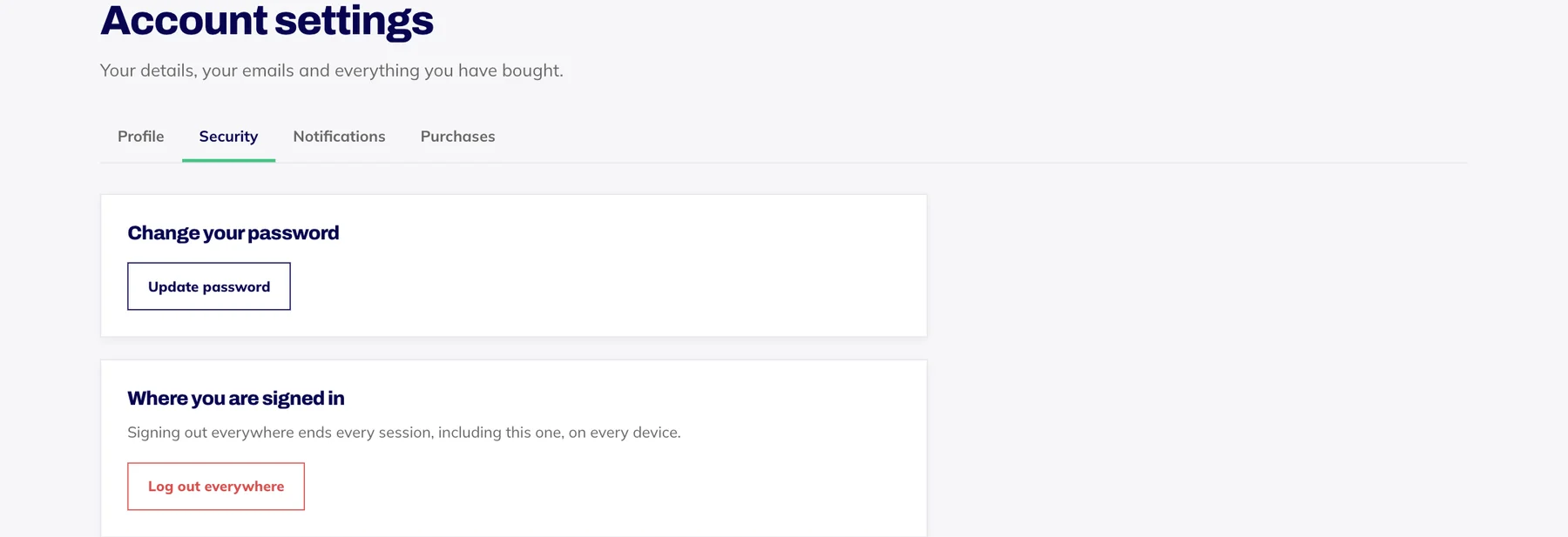
Go to Account settings, open the Security tab and press Log out everywhere. It ends every session on every device, including the one you are using.
On the login page, choose Forgotten your password? and set a new password from the link we email you.
If you use the same password anywhere else, change it there too.
Email hello@oba.uk if anything in your account looks wrong, such as a purchase you don't recognise.
What we'll never ask for
We'll never ask for your password, by email, by phone or in a chat. Our reset emails only ever take you to a page where you choose a new one yourself. If a message asking for your password claims to be from OBA, don't reply: forward it to hello@oba.uk.