
Choose Forgotten your password? on the login page, type the email address you use for OBA, and we'll email you a link to choose a new one. The link works for 60 minutes.
Reset your password
Go to the login page and choose Forgotten your password? (3).
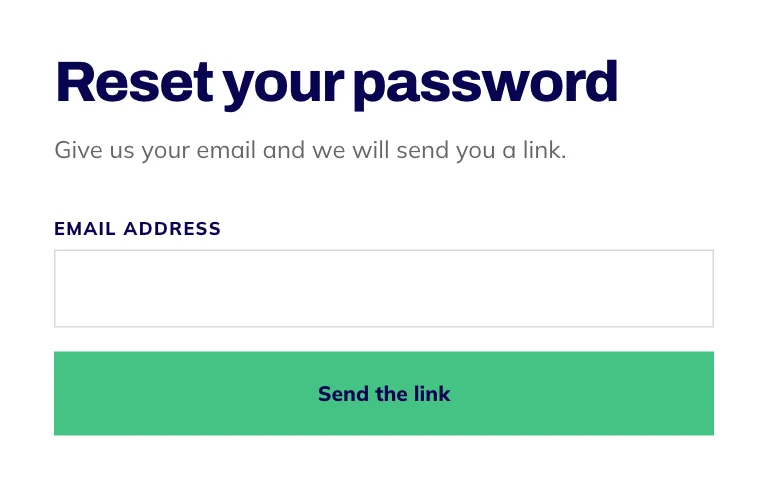
Type the email address you use for OBA and press Send the link.
Open the email and select the link within 60 minutes.
Choose a new password of at least 8 characters and press Save and continue. You're signed in straight away.

- Number 1: Continue with Google, if you signed up with Google.
- Number 2: Or your email and password.
- Number 3: Forgotten your password? Start a reset here.
If the link has expired
Reset links last 60 minutes and work once. If yours has run out or has already been used, the page tells you it has expired and offers Send a new link. Ask again and use the link in the newest email.
If the email doesn't arrive
Check your spam or junk folder.
Check you typed the address you use for OBA. For your security, the page says a link is on its way whether or not that address has an account, so a typo won't show up as an error.
Enrolled but never chose a password? Use the email address you enrolled with. The same link sets your first password.
Signed up with Google? There's no separate OBA password. Press Continue with Google on the login page instead.
Other messages on the login page
That email and password don't match: check for a typo, or reset your password. We never say which half was wrong, so nobody can use the page to find out who has an account.
Almost there. Check your inbox for the confirmation link first: you created your account and haven't confirmed your email address yet. The link is in the email we sent when you signed up.
That is a few too many tries: give it a minute and have another go.
Still locked out? Email support@oba.uk from the address on your account and tell us what's happening. We reply within 1 working day, we only make account changes for the account holder, and we'll never ask for your password.