
Open Resume builder in the Career Centre, create a CV for the kind of job you want and fill it in section by section. Your OBA certificates go in with one tap, and you can download a PDF whenever you're ready.
Start a CV
Keep one CV per type of job, so each one can be tailored. If you've had a CV reviewed, an Import from my review card appears too. It brings across your name, email and phone number only. You add your experience yourself, because guessing where one job ends and the next begins tends to scramble a work history.
Open Career Centre and choose Resume builder.
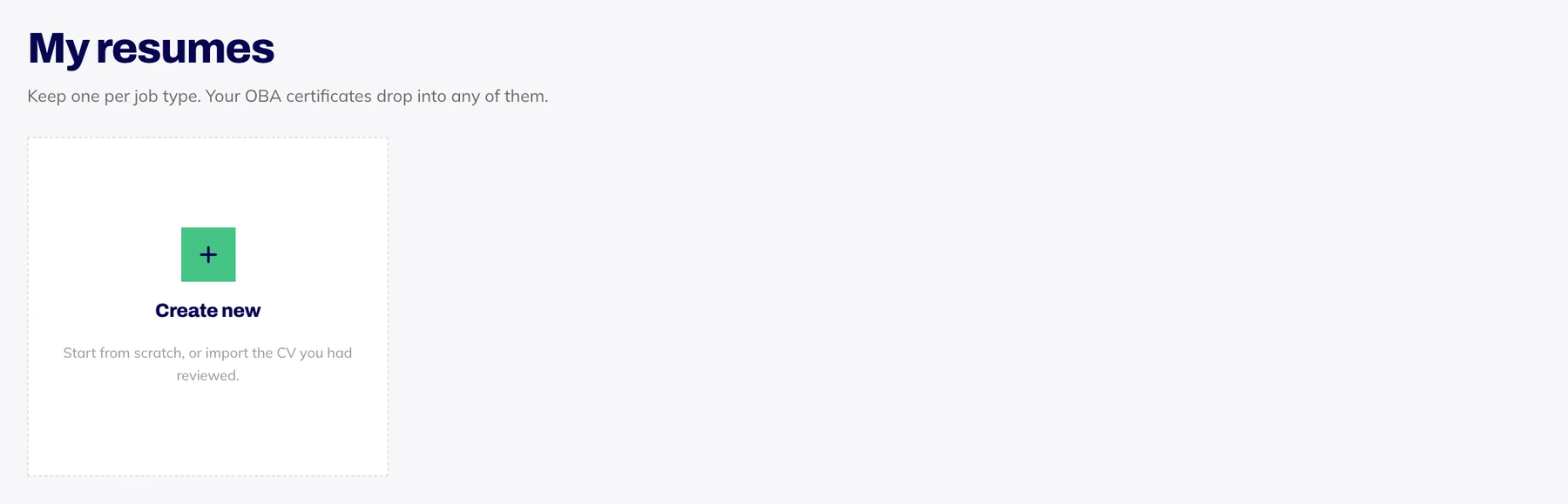
Press Create new.
Say what this CV is for, such as marketing assistant, and press Create.
Fill it in
The Content tab has sections for your contact details, a profile summary, experience, education, skills and projects. Everything saves as you type.
At the top, Your OBA certificates lists every certificate you've earned. Press Insert and it goes in with its credential ID, so an employer can check it in seconds. A course you're still working through can go in marked as in progress, and the skills from your courses appear as buttons you can tap to add.
Stuck on a line? Rewrite with AI suggests a stronger version of a bullet or your summary. Ask for it Shorter or with More impact, then press Use this or Dismiss.
Make it look right
On the Design tab, pick a template (Clean, Sidebar or Classic), one of four accent colours and a font pairing (Modern, Traditional or Compact). Every template keeps the main text in one column, which applicant tracking software reads most reliably, and all four colours print cleanly in black and white.
Score it and download it
Under Score this resume, at the bottom of the Content tab, type the job you're applying for and press Score this resume. It's the same review an uploaded CV gets.
Press Download PDF at the top to save your CV.
Want a CV removed from the builder? Email hello@oba.uk and we will delete it.