Here's how to become a graphic designer: build a portfolio that proves you can solve real design problems, because that matters more than any particular degree. To get there, learn the core principles (typography, layout, colour and hierarchy) and the tools studios use (Adobe Photoshop, Illustrator and InDesign, plus Figma for digital work), build six to ten strong portfolio pieces, then apply for junior roles or start taking small freelance jobs.
Degrees and college courses are still a common way in, and they're a good one if you can commit the time. But design is one of the few fields where the work does the talking. Graphic designer job ads routinely ask for a link to your portfolio, and some say outright that they won't look at an application without one.
This guide covers what the job involves day to day, the software and skills to learn, whether you need a degree or a drawing tablet, how to put a portfolio together, what graphic designers earn in the UK, and a step-by-step plan. We'll also tell you where a course helps and where you can keep your money.
What does a graphic designer do?
Graphic design is visual communication: arranging type, images, colour and space so a message lands with the right people. A graphic designer does that for a living, turning a brief from a client or colleague into something people can read, use and remember.
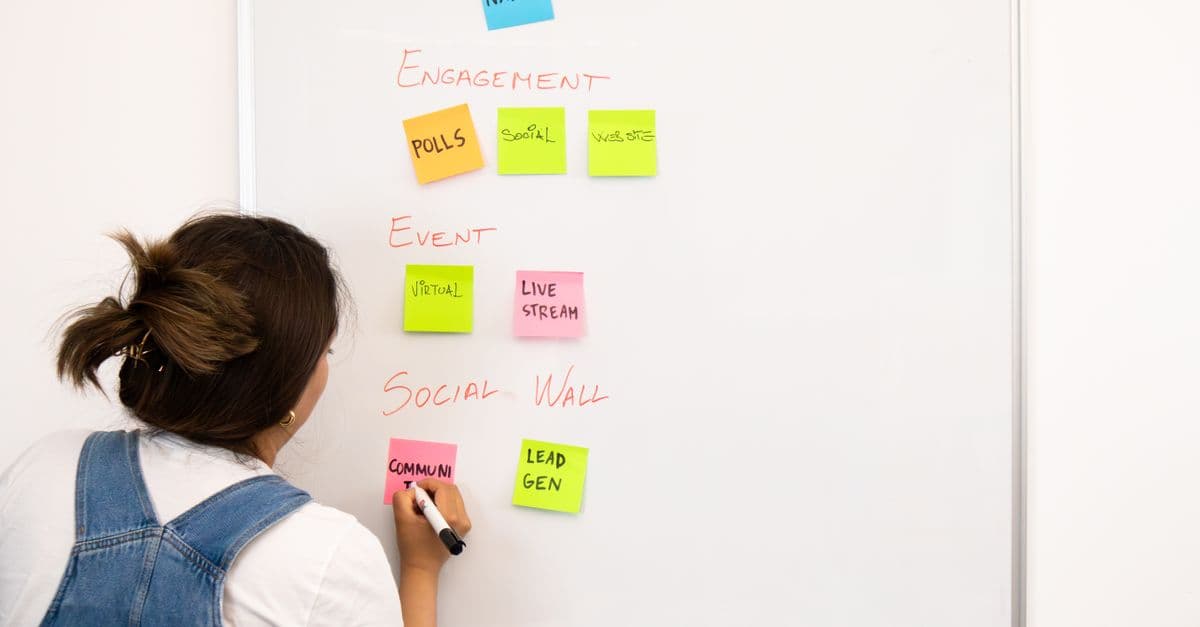
Most projects follow the same loop. You take a brief, ask the questions it didn't answer, sketch a few directions, build drafts, present them, take feedback and revise until it's signed off. Then you prepare final files that print correctly or display properly on screen, which is less glamorous than the sketching and just as important.
The work itself is much wider than logos. In a single month you might design a brand identity, a brochure or a piece of packaging, website and email graphics, a run of social posts and a company report. Where you do that work shapes your week:
In-house: you design for one organisation, such as a retailer, a charity, a university or a council. You'll know the brand inside out and work closely with the marketing team, and the variety comes from the range of jobs rather than the range of clients.
Agency or studio: you design for many clients, usually with a senior designer or art director reviewing your work. Deadlines are tighter, and you learn fast because you see a lot of briefs and get a lot of critique.
Freelance: you find your own clients, set your own rates and run a small business alongside the design. It's easier after some time in-house or at an agency, where you learn how real projects run. Before your first invoice, read the GOV.UK guide to setting up as a sole trader, which explains when you need to register for Self Assessment and what records to keep.
Which software do graphic designers use?
Read a few UK graphic designer job ads and the same names come up again and again: Adobe Photoshop, Illustrator and InDesign, often with Figma alongside for digital work. The National Careers Service is blunt about it too: you need a good working knowledge of design, image editing and publishing software for every job in the field.
You don't need all of them on day one. Here's what each tool is for, so you can learn them in a sensible order:
Adobe Photoshop: editing and combining photographs, retouching, mockups and anything built from pixels.
Adobe Illustrator: vector artwork, meaning logos, icons, illustrations and patterns that stay sharp at any size.
Adobe InDesign: multi-page layouts such as brochures, magazines and reports, where text flows from page to page.
Figma: app and website screens, clickable prototypes and design systems, usually shared with developers. It has a free plan, which makes it an easy place to start.
Canva: fast, template-led design for social posts, presentations and quick marketing pieces. It's genuinely useful and plenty of in-house teams rely on it, but graphic designer job ads usually ask for Adobe or Figma skills, so treat Canva as a starting point or a second tool rather than your whole toolkit.
Mentioned in this article
Certificate in Adobe Photoshop
Self-paced · verifiable certificate · £99
View courseDo you need a drawing tablet or an expensive setup?
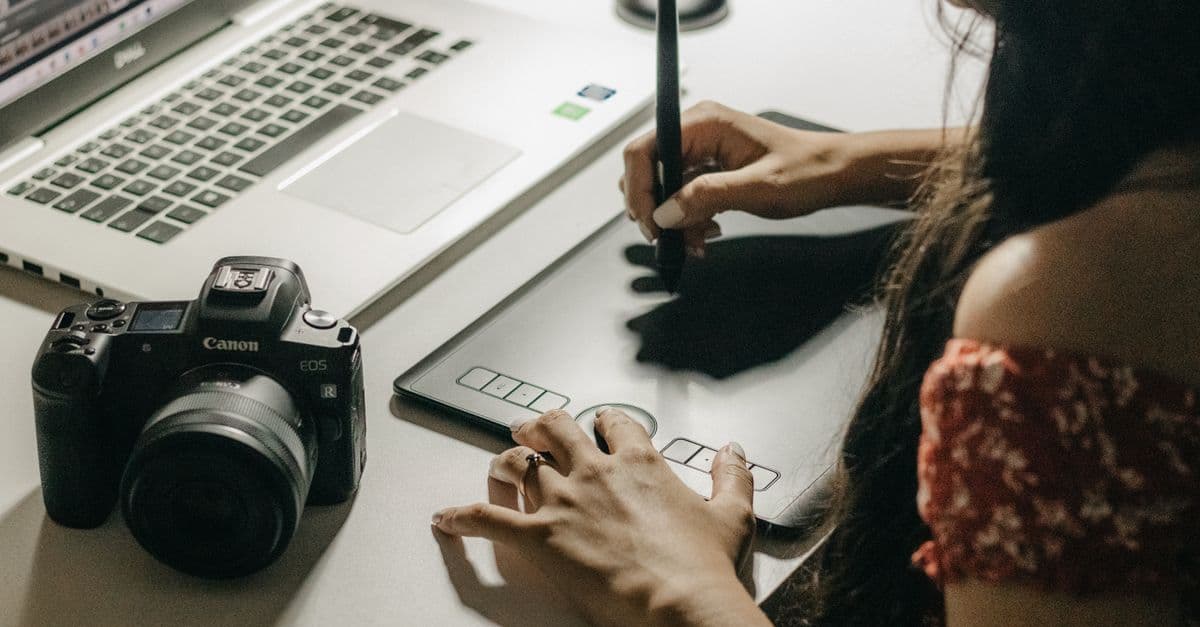
No, not to start. Most graphic design is done with a mouse or trackpad, a keyboard and a growing list of shortcuts. Logos, layouts and icons are built from shapes and paths, and Illustrator's pen tool works perfectly well with a mouse once you've practised it.
A pen tablet earns its place later, if your work moves towards hand-drawn illustration, digital painting or detailed retouching. Some job ads list drawing on a tablet as a nice extra, but it's an extra. Buy one when your work asks for it, not as a ticket in.
The cost to plan for is software. Adobe sells Creative Cloud as a subscription, billed monthly or annually, with single-app plans for Photoshop, Illustrator or InDesign, an all-apps plan, and discounts for students and teachers. Figma and Canva both have free plans that go a long way while you learn.
Beyond that, you need a computer that runs the software comfortably and a screen you can judge colour on. A modest laptop that runs Photoshop smoothly will take you further than any gadget.
The design skills that matter more than any tool
Software is the easy part to list on a CV. What separates a designer from someone who knows the menus is judgement, and that comes from a handful of principles you'll use on every job, whatever the tool.
These are also what make every new tool quicker to learn. A well-built poster follows the same rules in Canva as it does in InDesign; only the buttons change.
Typography: choosing and pairing typefaces, then setting size, spacing and line length so text is easy to read. Fair warning: once you start noticing badly spaced letters on shop signs, you never quite stop.
Layout and grids: placing things so a page feels ordered, with alignment and white space doing quiet work.
Colour: building palettes that suit the brand, keep text readable and still hold up when printed in one colour.
Hierarchy: making the most important thing obvious first, then the next, so people read in the order you intended.
Briefs and feedback: asking the right questions up front, and hearing 'it's not quite there yet' without taking it personally.
Presenting your work: explaining in plain English why a design solves the problem, to people who aren't designers.
Do you need a degree to become a graphic designer?
No, but it's one well-trodden route. The National Careers Service lists foundation degrees, HNDs and degrees in graphic design, illustration or art and design, as well as college courses in graphic design and creative media.
A good course gives you time, regular critique, studio facilities and placements, and those are genuinely valuable. Notice what the course produces, though. Even on the university route, the National Careers Service says you'd build a portfolio as part of your course to show employers. The portfolio is what gets judged either way.
If a degree isn't realistic for you, you can learn the tools and principles another way and build that portfolio directly. Read the ads for junior roles near you and you'll see experience and a portfolio asked for far more often than a named qualification.
What you give up without a formal course is structure and feedback, so you'll need to create both. Set yourself real briefs, finish them, and get honest critique from working designers wherever you can find it.
How to build a graphic design portfolio
Aim for six to ten strong pieces rather than thirty average ones. Whoever reviews your portfolio will remember your weakest piece as clearly as your best, so cut anything you'd need to apologise for.
Show your thinking, not just the finished file. For your best three or four projects, write a short case study: the brief, the problem, a couple of early directions you rejected and why, the final design, and how it would be used. That process is exactly what an interviewer will ask about, so put it on the page.
No clients yet? That's normal. Write realistic briefs for businesses you know, redesign something local as a clearly labelled concept, or offer a small, scoped project to a charity or community group in exchange for permission to show the result. Label self-initiated work honestly: nobody minds a concept, but everyone minds a concept passed off as a client job.
There's a pattern we see often. Someone watches dozens of tutorials, can follow every one, and then freezes in front of a blank artboard with a real brief. The fix isn't another tutorial. It's finishing briefs, one after another, until starting from nothing feels normal.
Present it simply: a clean portfolio site with your name, the kind of work you want, your projects and how to reach you, plus a PDF version to attach to applications. Aim for a mix that matches the jobs you're applying for, such as:
A brand identity: a logo, palette and type choices, shown in use on a few real-world pieces
A print or multi-page piece: a poster, packaging, a brochure or a report
A small social or digital campaign across a few formats
One app or website flow, prototyped in Figma, if you're heading towards digital product work
Two or three case studies that walk through your process from brief to final design
How much do graphic designers earn in the UK?
The National Careers Service puts typical graphic designer pay at £25,000 to £40,000 a year, from starter to experienced level (figures checked September 2026). Treat that as a guide to the role rather than a promise: pay varies with location, sector and the size of the employer.
With experience, the same profile lists routes into senior designer and creative director roles, studio or project management, going freelance or starting your own agency, and related work in advertising, illustration and web design.
Digital product design is another route worth knowing about. The National Careers Service lists UX designers at £32,000 to £65,000 a year, and graphic design is one of the degree subjects it names as a way in. If you enjoy the problem-solving side of design as much as the visual side, Figma and some user research skills are the bridge.
Freelance income is harder to pin down, because you set your own rates and earnings depend on how steadily the work comes in. If you go that way, price your time properly and keep records from day one.
A step-by-step plan to become a graphic designer
Here's the order we'd follow. Each step ends with something finished, because finished work is what you'll show.
Learn the principles first: typography, layout, colour and hierarchy. Canva is a fine place to practise them without a complicated interface in the way.
Learn one professional tool properly: Photoshop if you lean towards images, Illustrator if you lean towards logos and illustration. Then add the other.
Add Figma if you want digital work, or InDesign if the jobs near you are heavy on print and long documents.
Set yourself briefs and finish them, until you have six to ten pieces and case studies for your best three or four.
Get feedback from working designers, then redo your weakest pieces rather than adding more.
Build a simple portfolio site and a PDF version, and keep both up to date.
Apply for junior designer, artworker and in-house marketing design roles, and take small freelance jobs alongside if you can.
Keep going once you're in. Every brief you finish this year is next year's portfolio.
Where an OBA course fits, and when you don't need one
Our design courses follow that same order. The Certificate in Graphic Design Using Canva teaches the principles while you make brand kits, social campaigns and business documents. The Certificate in Adobe Photoshop and Certificate in Adobe Illustrator take you through the professional tools with portfolio projects such as a full brand identity and a logo built from a real brief, and the Certificate in Figma for UX/UI Design covers screens, prototypes and design systems.
If you're sure this is your path, the Graphic Design Bundle puts all four courses together for less than buying them separately. Each course has video lessons with written notes and interactive questions, a final assessment and lifetime access, and you pay once.
Be clear about what you'll earn at the end. Each course gives you a certificate of completion that employers can verify online. It isn't an Adobe certification or a university qualification. Nobody hires a certificate; they hire the person who built the things it sits next to, so do the projects and put them in your portfolio.
Now, when not to buy. If you only need social graphics for your own business, Canva's free plan and its free Design School may be all you need. If you want to design for a living, budget for the Adobe subscription before you spend anything on a course, because you'll need the software to practise either way. And if you're not sure design is for you yet, start with the Canva course on its own rather than the bundle.
Still weighing it up? The free info pack sets out what each course covers and what you'll build, so you can decide before spending a penny. You can also browse every design and media course in one place.
Good to know
Common questions
A graphic designer plans and creates visual communication: logos, brand identities, print, packaging, website graphics, social media and presentations. They turn a brief into a design that does a job, whether that's selling a product, explaining an idea or making a brand recognisable. They work in-house for one organisation, in an agency or studio, or freelance.
They take briefs, sketch ideas, build drafts in tools like Photoshop, Illustrator, InDesign or Figma, present them and revise them after feedback. The final step is preparing files that print or display correctly. A good share of the job is communication: asking the right questions and explaining design decisions to people who aren't designers.
Graphic design is the craft of arranging type, images, colour and space so a message is clear and memorable. It covers everything from logos and packaging to websites, reports and social posts. The core principles are typography, layout, colour and hierarchy, and they apply whatever software you use.
The National Careers Service puts typical graphic designer pay at £25,000 to £40,000 a year, from starter to experienced level. Pay varies with location, sector and employer size, and freelance income depends on your rates and how steady the work is. The same service lists UX designers, a route some graphic designers move into, at £32,000 to £65,000.
No, not to start. Most graphic design work, including logos, layouts and icons, is done with a mouse or trackpad, and Illustrator's pen tool works fine with a mouse once you've practised. A pen tablet becomes worth buying if you move into hand-drawn illustration, digital painting or detailed retouching.
Yes. Degrees and college courses are common routes, but graphic designer job ads ask for a portfolio and experience far more often than a specific qualification. If you teach yourself, build six to ten strong pieces, show your process in short case studies, and get honest feedback from working designers along the way.
Canva is a good place to learn design principles, and it's widely used for social media and marketing work. Graphic designer job ads, though, usually ask for Adobe tools such as Photoshop, Illustrator and InDesign, and Figma for digital roles. Use Canva to start, then add the professional tools.